
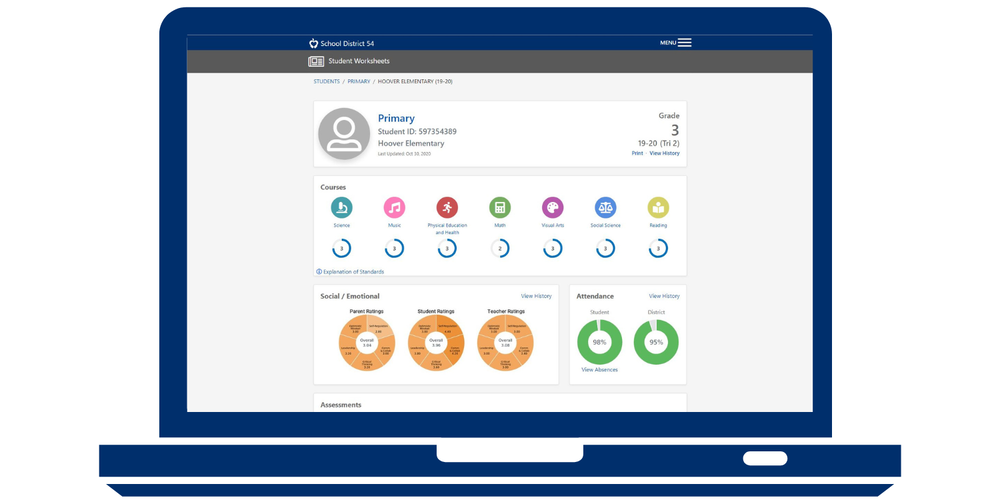
The D54 Whole Child Report Cards for your children are now available in your Parent Portal account.
This report card offers a comprehensive overview of your student's progress, encompassing not only academic achievements but also their development in various social-emotional areas including extracurricular involvement and school attendance.
To access the report card:
Log in to your Parent Portal account and click the link found under District Announcements.
Log in with your District 54 Parent Portal username and password.
Click on the whole student profile/report card tile.
We encourage you to review the report card and discuss your child's progress with them. If you have trouble accessing the report card, contact your school office. If you have questions about the report card, connect with your child’s teacher.